
Everything you need to get up and running — step-by-step instructions for slybroadcast's key features, plus downloadable PDF guides.
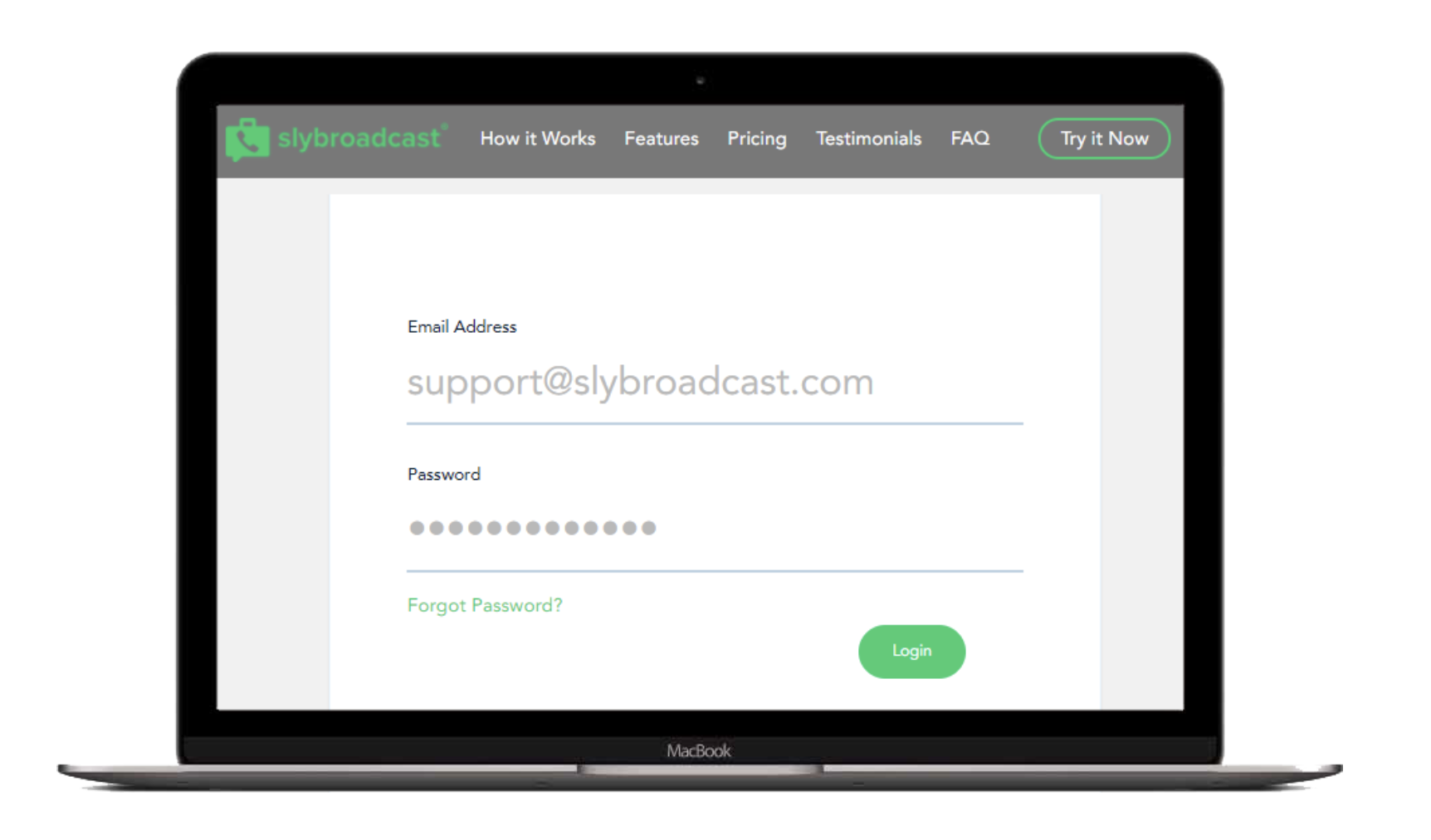
Step 1: To get started, log in to your account using your email address and password.
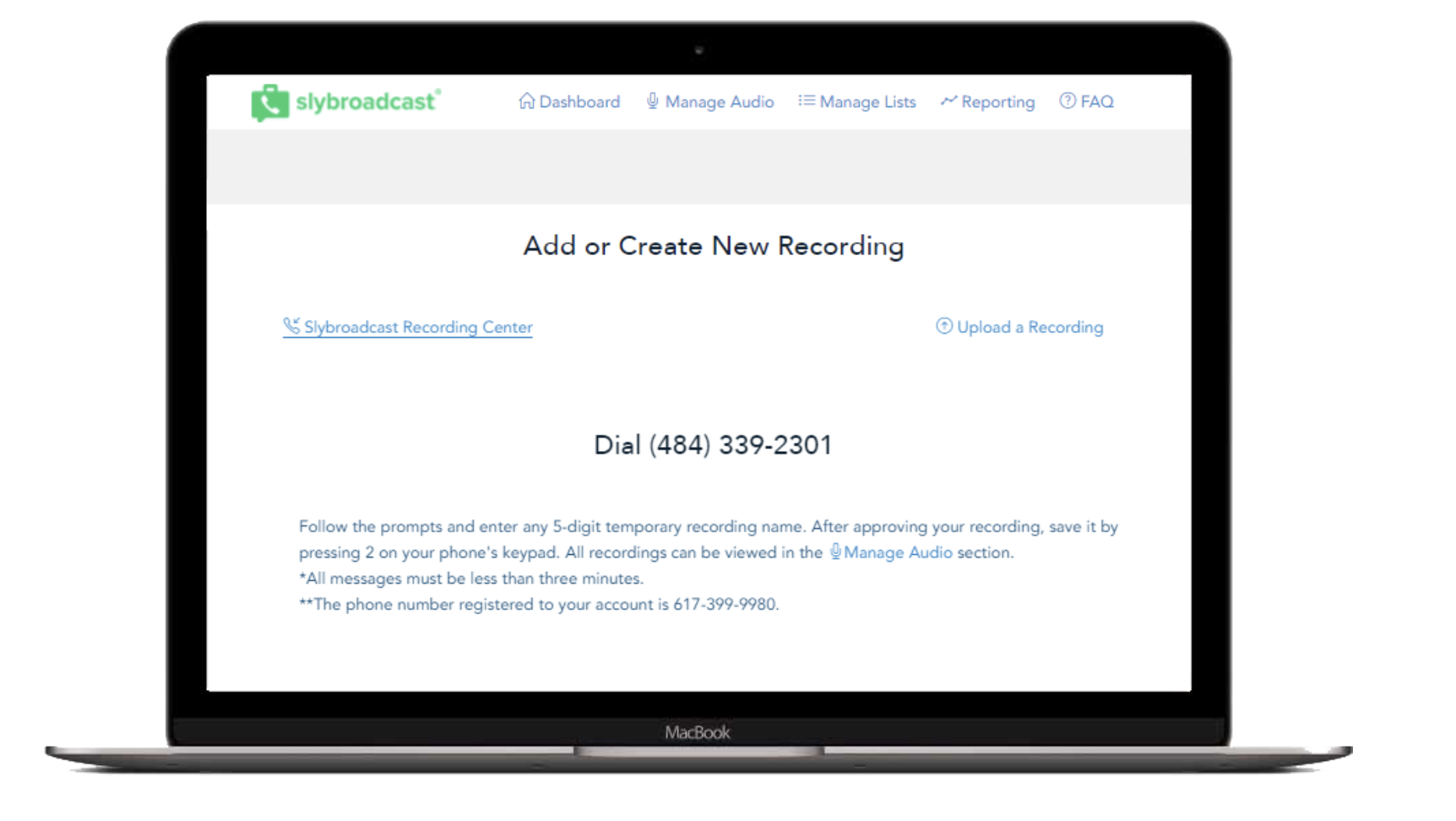
Step 2: Record your voice message. Visit the Manage Audio section and click Upload or Create New Recording.
• Note: When using the Voicemail Personalization feature, do not include a greeting (Hello or Hi there) in the beginning of your message.
• Follow the instructions for the slybroadcast Recording Center to record your voice message using our access number or
• Upload your own audio file by clicking Upload a Recording.
• All files must be saved as a .WAV, .Mp3 or .M4a. Files must be under 10MB.
If you have already uploaded an audio file or recorded your voice message using the slybroadcast Recording Center, you can skip to Step 3.
Step 3: Create a voice model
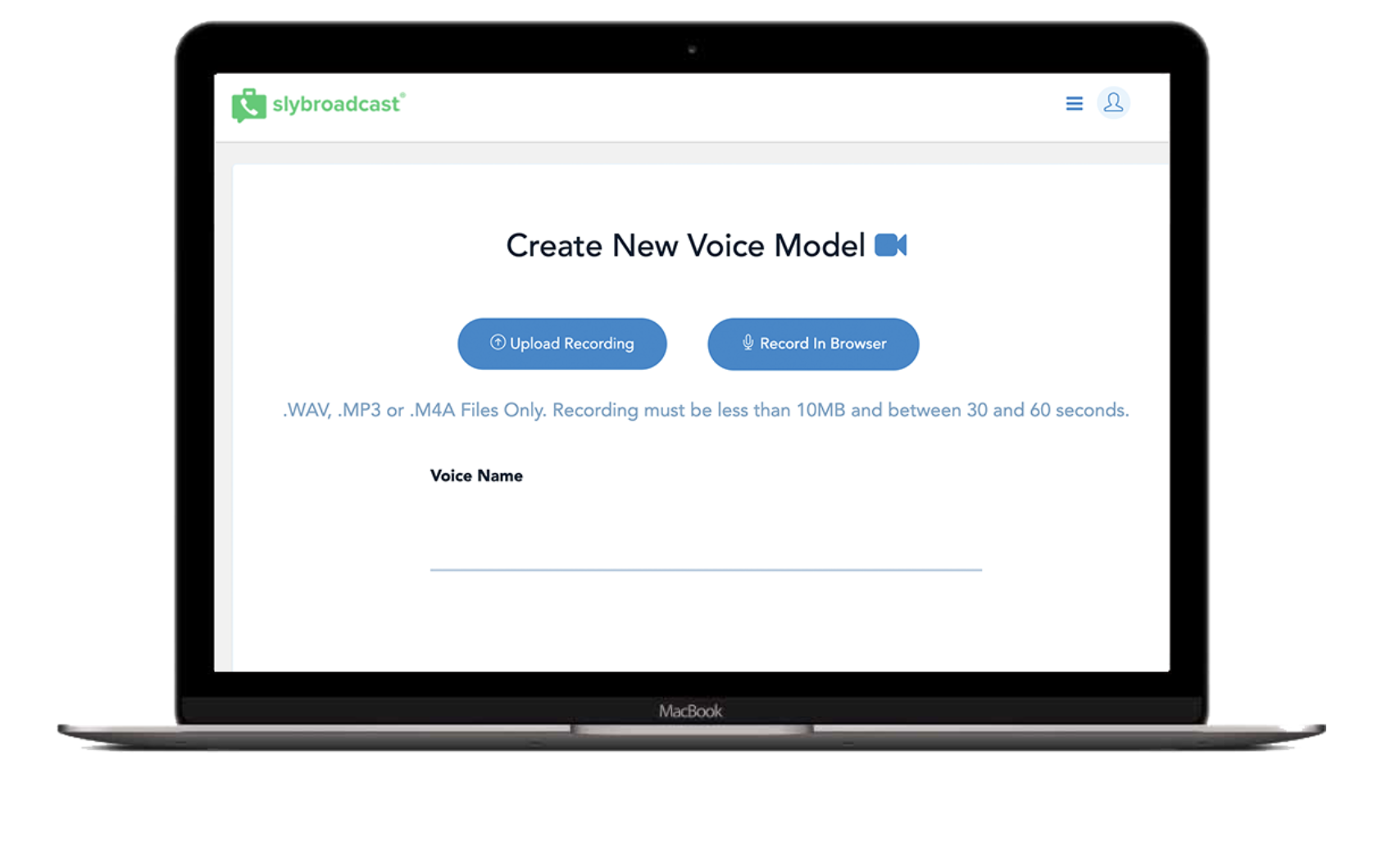
• Visit the Manage Voices section and click Create a New Voice Recording.
• Upload a 30-60 second audio file (or)
• Read the script provided and record via your browser.
• This step helps train our system with your voice to provide the best personalization experience possible.
• All files must be saved as a .WAV, .Mp3 or .M4a. Files must be under 10MB.
Step 4: Create your recipient list.
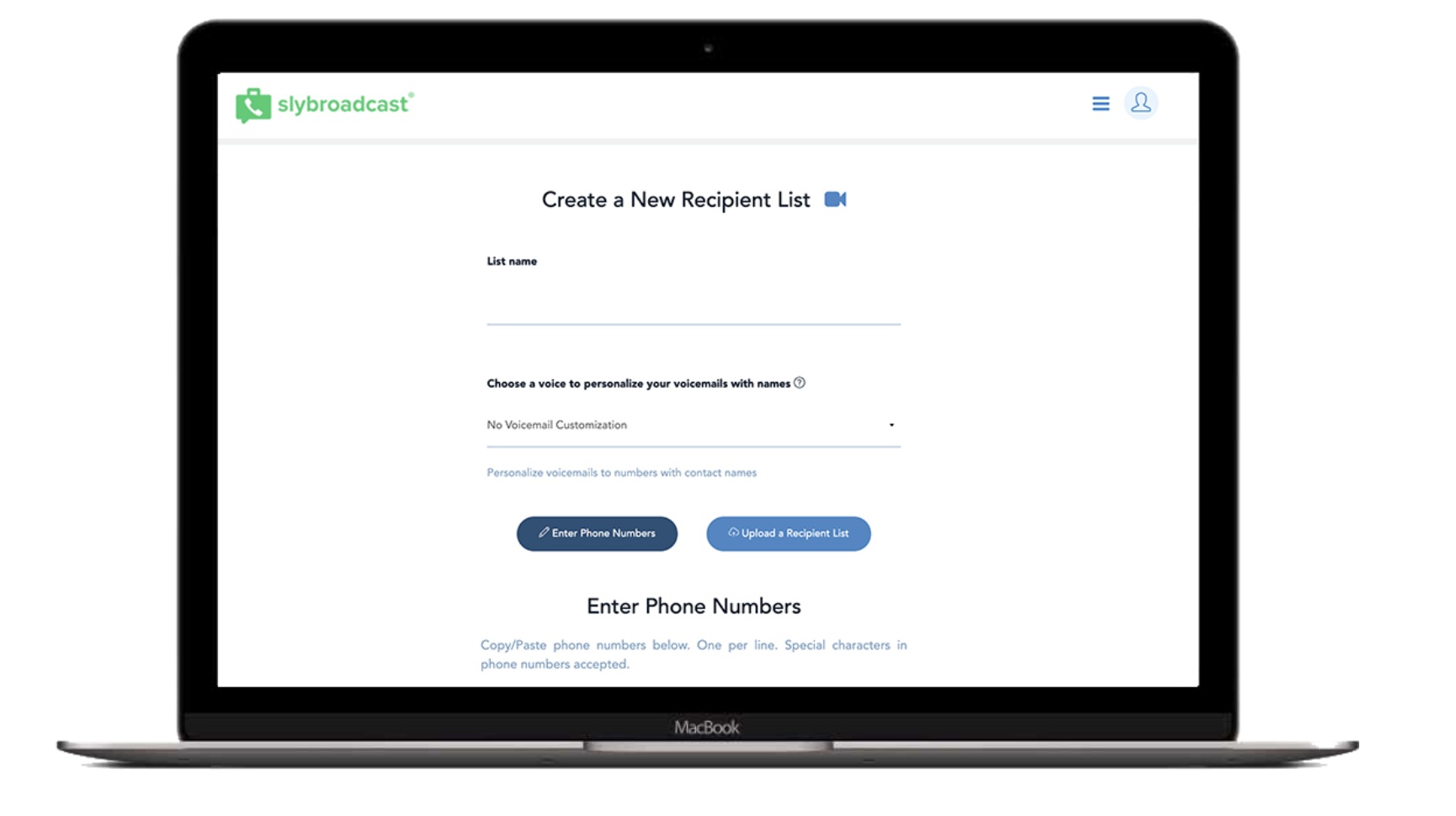
• Visit the Manage List section and click Create a Recipient List.
• Enter your list name.
• Select the Voicemail Customization voice from the drop-down menu. If you do not wish to use Voicemail Customization, then select No Voicemail Customization.
• Copy/Paste your phone numbers directly into the box provided. -Special characters are accepted, so no need to remove the dashes!
• Or to upload a list, click Upload a Recipient List. All phone numbers must be in the first column and first names should be in the second column of your file. Be sure to save as a Comma Delimited (.CSV) or Tab Delimited (.TXT) file using Microsoft Excel or the like.
Step 5: Sending your campaign
To send your campaign, click New Campaign, the green button in the upper right-hand corner.
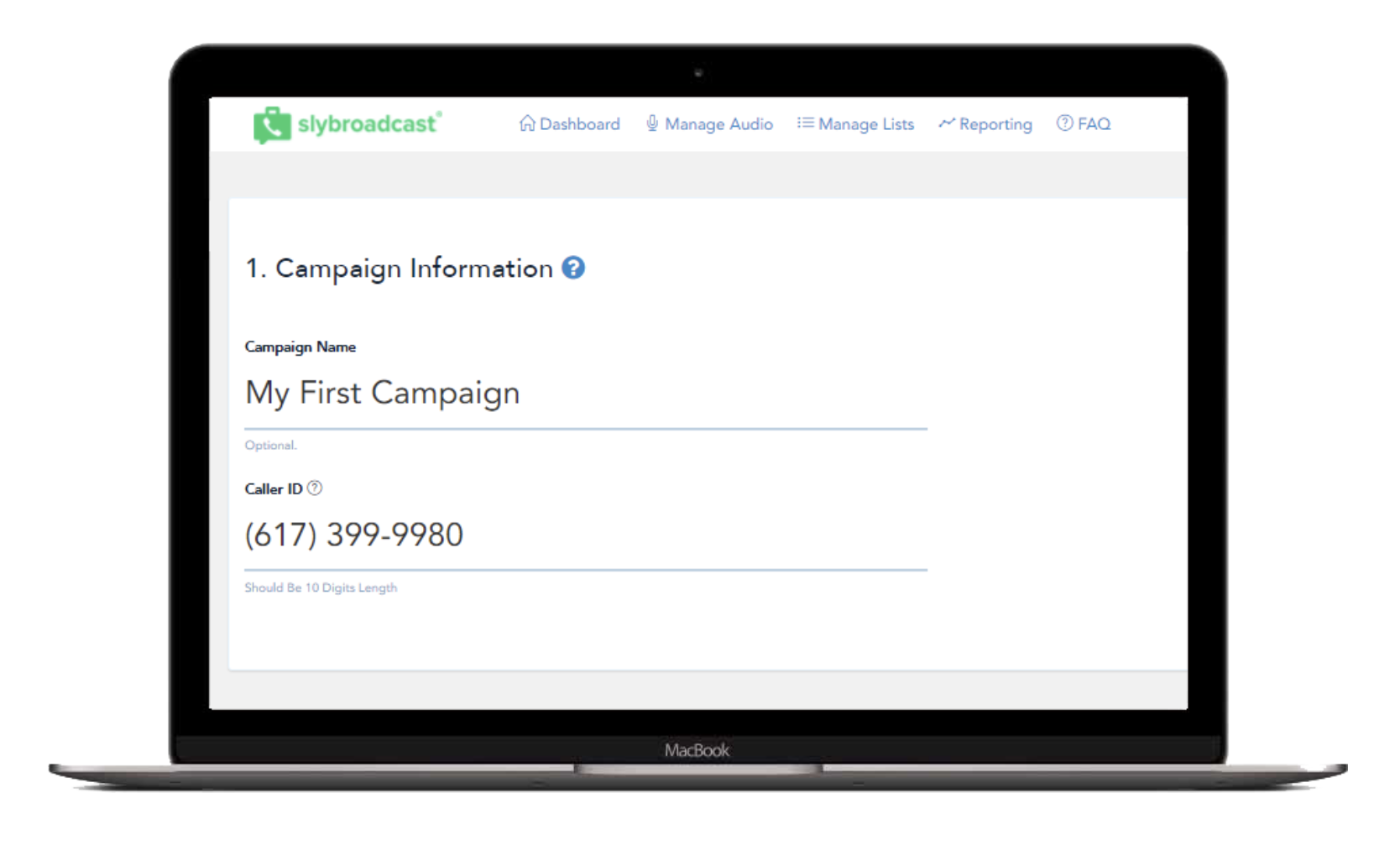
Enter a campaign name and set the caller ID of your campaign.
-The caller ID is the number that will be displayed within the recipient’s voicemail-box.
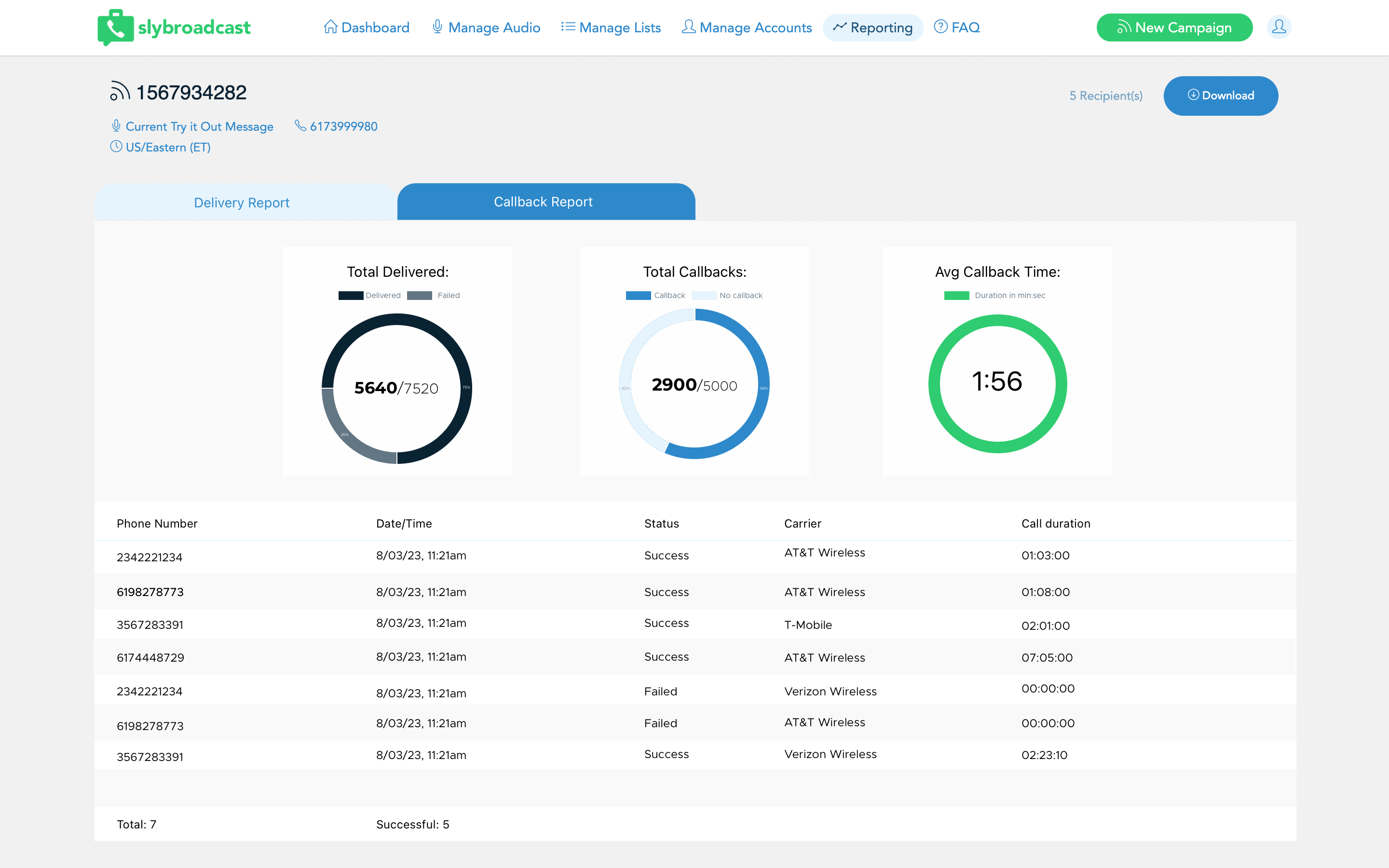
Callback Analytics gives you a clear picture of how your voicemail campaigns are performing — so you can see what's working and make smarter decisions on your next send.
Key components of Callback Analytics include:
• Callback Rate
See what percentage of recipients called back after hearing your message.
• Message Duration
Track how long recipients stay on the call when they call you back.
• Call Timing
Track how long recipients stay on a call when they do respond.
• Callback Speed
Measure how quickly recipients respond after receiving your voicemail.
The introduction of Callback Analytics offers numerous advantages for organizations of all sizes and all industries:
• Better Personalization
Use real engagement data to fine-tune your message content and delivery.
• Smarter Scheduling
Know when your audience is most responsive and time your campaigns to match.
• Higher Conversion Rates
More relevant, better-timed messages drive more action.
• Cost Savings
By focusing efforts on messages that generate results, organizations can reduce wasteful spending on ineffective campaigns.
If you've purchased a Callback Number, you can add Follow-up Texting to your next voicemail campaign. With this update, you can send an automated text message right after your ringless voicemail message is delivered. This powerful add-on enhances engagement by giving recipients a convenient way to respond, click a link, confirm an appointment, or receive more information.
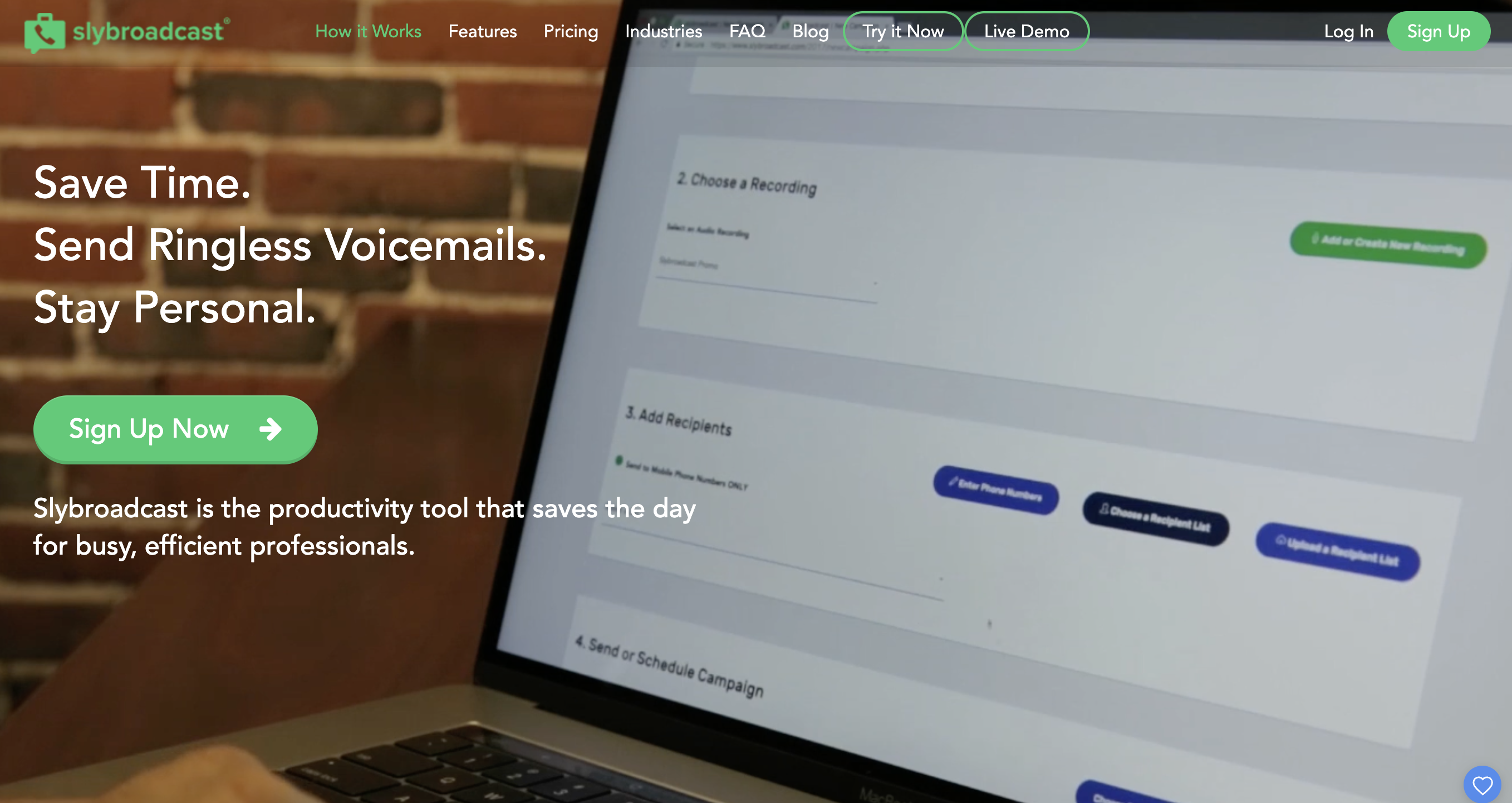
Slybroadcast uses our patented straight to voicemail technology to deliver voicemail messages directly to recipients' voicemail-boxes without ringing their phones. The recipient sees a voicemail from the caller ID you provide, creating a non-intrusive communication method.
There are many ways to use slybroadcast! Common uses include notifying customers of sales or announcements, re-engaging past customers, sending reminders, qualifying leads, connecting with donors, and providing company updates to many people simultaneously. Want to incorporate text messaging to your marketing campaigns? Visit our texting solution at slyText.com.
Slybroadcast tries to deliver your voicemail to all selected phone numbers. If any messages cannot be delivered, this will be indicated in your report. You are never charged for undelivered ringless voicemails. Many customers track their ROI when running campaigns, which is highly recommended.